





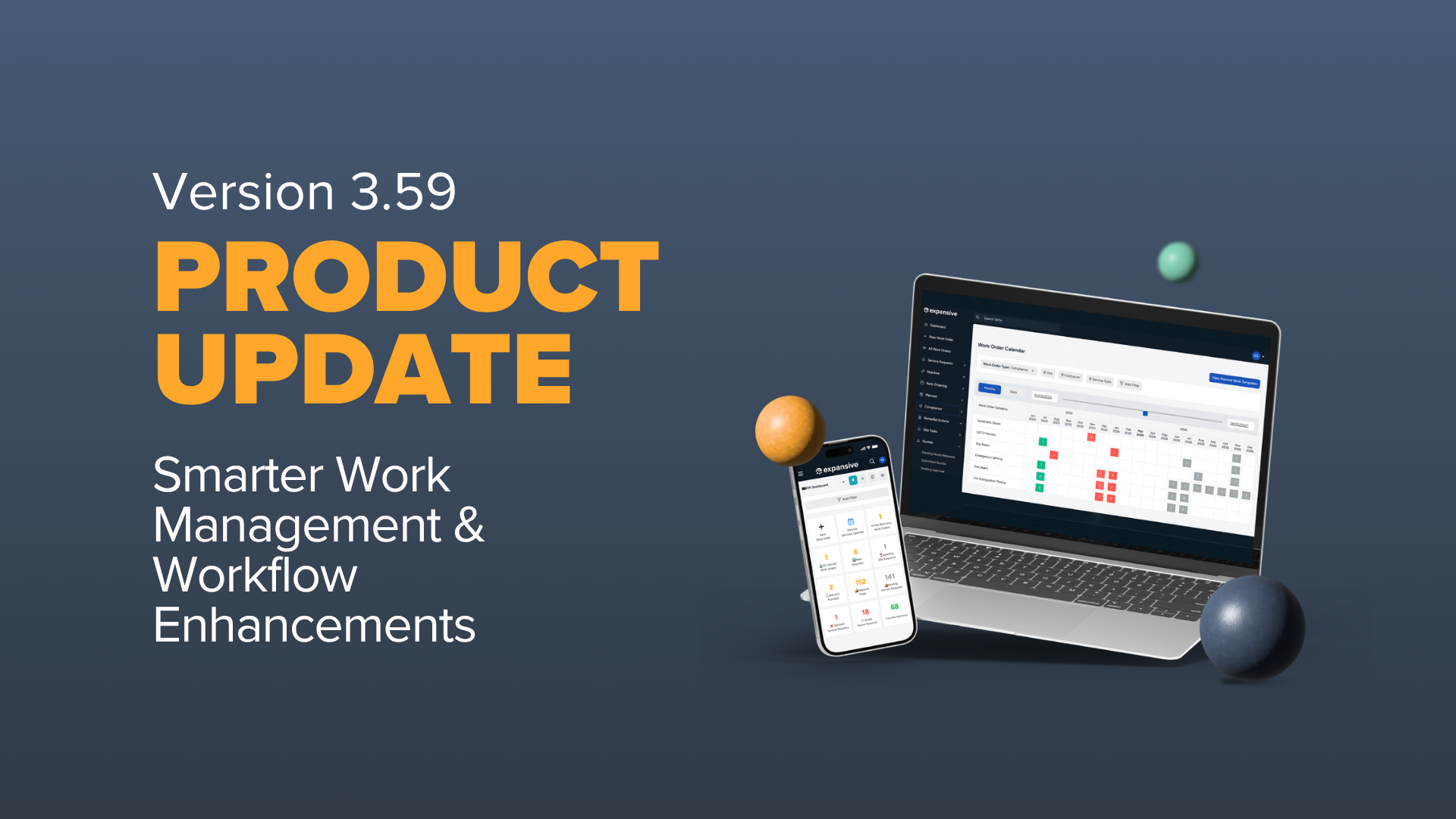
When you’re managing facilities at scale, it’s often the small, repetitive tasks that take up more time than they should. Cleaning up planned work, creating users one by one, checking for duplicate jobs, manually closing compliant work orders, it all adds up.
In Product Release 3.59, we’ve focused on removing more of that everyday friction. From bulk imports and smarter compliance workflows to easier quote requests and duplicate work order detection, these updates are designed to reduce manual admin and keep your teams moving.
Here’s what’s new...
Easier Planned Work Template Management
Keeping planned work organised should be straightforward, particularly when templates or schedules have been created in error or are no longer needed.
You can now delete planned work templates where the associated schedules haven’t yet created any work orders. This gives teams a safer way to clean up templates without affecting work that has already been generated.
Sites and schedules can also be removed directly from the Planned Work Template area, without needing to edit the entire template.
Why this matters: Teams can keep planned work records organised without navigating through unnecessary settings or risking existing work.
Result: Cleaner planned work data and less time spent managing templates.
A Simpler Way to Raise Quote Requests
We’ve made raising a quote request feel much more like creating a work order, reducing the number of steps required to get pricing from contractors.
Teams can now create request types with “Only offer quote requests” enabled.
When one of these request types is selected from the work order creation form, users can:
- Select the relevant contractors
- Set a quote due date
- Add the summary and description for the quote request
This creates a much more direct route from identifying that a price is needed to requesting it from the right contractors.
Why this matters: Users no longer need to navigate through separate processes or rely on additional manual handoffs to initiate a quote.
Result: Faster quote requests, fewer steps, and a smoother route from requirement to contractor pricing.
Spot Similar Work Orders Before They Become Duplicates
Duplicate work orders can mean duplicated effort, unnecessary contractor visits, and avoidable costs. We’ve made them easier to identify during triage and sourcing.
When similar work orders exist at the same site with the same service type, users will now see a banner on the work order.
From there, you can:
- See how many potentially similar work orders exist
- Open a pre-filtered list to review them
- Mark the work order as “Not a duplicate”
When a work order is confirmed as not being a duplicate, that decision is recorded in Activity, providing a clear audit trail.
Why this matters: Giving teams visibility of potentially duplicated jobs earlier helps them make a more informed decision before work progresses.
Result: Fewer duplicate jobs, better triage, and greater control over unnecessary spend.
Bulk Import Uncaptured Spend Against Assets
Keeping a complete picture of asset costs is important, but manually adding individual spend records can quickly become time-consuming.
Uncaptured spend can now be imported against assets in bulk, rather than requiring users to add each asset-related spend individually.
Why this matters: Teams managing large asset portfolios can bring spend data into expansive much more efficiently while keeping asset cost records up to date.
Result: Less manual data entry and better visibility of asset-level spend.
Add Multiple Users with Bulk User Import
Onboarding a new team, site, or client group shouldn’t mean creating every user individually.
Users can now be added in bulk using a downloadable import template. Simply populate the required user information outside expansive and upload the completed template to create multiple users at once.
Why this matters: This removes repetitive administration when onboarding larger groups of users.
Result: Faster onboarding and less time spent on user setup.
Auto-Complete Passing Compliance Work
High volumes of statutory planned maintenance can create a significant review workload, even when compliance documents have passed without an issue.
A new Auto-complete compliance pass option can now be enabled on statutory planned work templates.
When enabled, a work order can automatically close when a contractor submits a compliance document as either:
- Pass
- Pass with recommendations
Teams can still choose to audit a sample of passing documents afterwards, where this forms part of their internal process.
The appropriate workflow will need to be configured for automatic closure to take place.
Why this matters: Teams managing large volumes of compliance PPMs no longer need to manually progress every successful compliance document through to closure.
Result: Less manual compliance administration and more time to focus on the work that actually requires attention.
Keep RAMS Records Up to Date
RAMS that are no longer relevant or in use can now be disabled.
Users can disable them when managing RAMS against an individual work order or from the RAMS tab within the contractor record.
Why this matters: Retiring outdated RAMS helps prevent users from accidentally selecting documentation that should no longer be used.
Result: Cleaner RAMS records and greater confidence that teams are working with the right documentation.
Clearer Parts Ordering for Suppliers
We’ve made a small but useful improvement to parts ordering communications.
Supplier notifications now include the relevant parts order number, giving suppliers a clearer reference when identifying and processing a requested part.
Why this matters: Suppliers can more easily match notifications with the correct order without needing additional clarification.
Result: Fewer back-and-forth checks and smoother communication throughout the parts ordering process.
That’s Everything for July/August
This release is all about making everyday tasks a little less manual, whether that’s spotting duplicate work, onboarding users, managing compliance, or keeping your records organised.
The result is fewer clicks, cleaner data, better visibility, and less time spent nudging routine processes along by hand.
As always, we value your feedback. If there’s something you’d like to see in a future release, get in touch at hello@expansive.co.uk.
Stay tuned for more updates soon.